Best AI IDEs in 2026: Cursor vs Windsurf vs Copilot vs Claude Code vs Zed
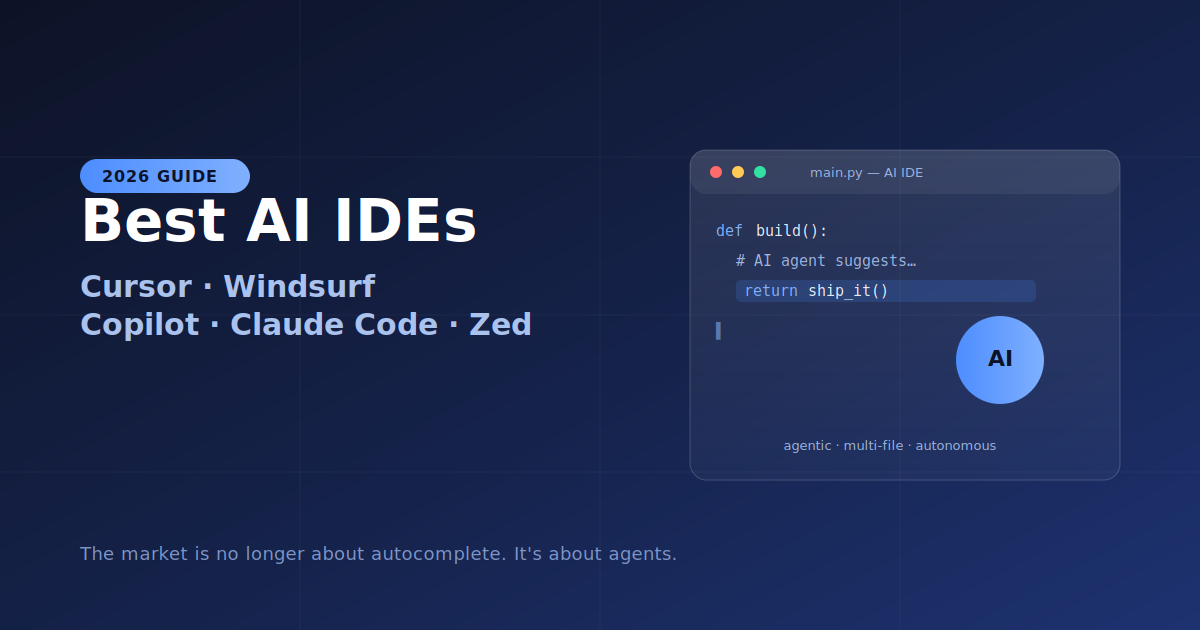
Twelve months ago this was barely a contest — you used Cursor or GitHub Copilot, and everything else was experimental. That's over. In 2026 at least half a dozen editors compete seriously, and the philosophies have diverged sharply. The market is no longer about autocomplete. It's about agents — tools that read files, run commands, observe output, and iterate until a task is done.
Here's an honest, benchmark-backed ranking of the five tools that matter most, who each one is for, and how to pick.
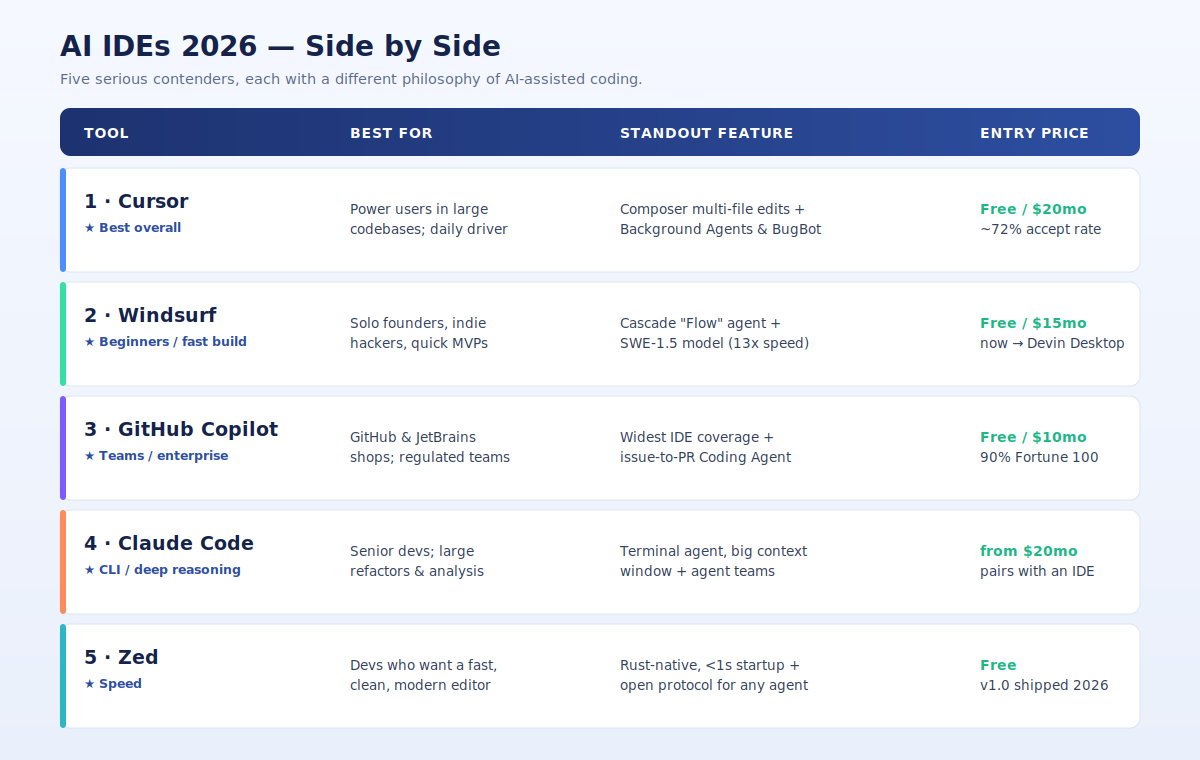
1. Cursor — Best Overall
A VS Code fork rebuilt from the ground up around AI, Cursor weaves assistance into every keystroke: aggressive tab completion, an always-present chat panel, and inline multi-file editing. Its Composer mode is the feature most power users rave about for multi-file refactoring across large codebases.
The numbers explain the hype. Cursor reached a roughly $29 billion valuation by 2026 and posts a ~72% code-completion acceptance rate, ahead of Copilot's ~65%. Its 2026 headline features are Background Agents — spin up parallel coding tasks, one agent on a feature branch while you keep editing — and BugBot integration, which nothing else quite matches yet. In a standardized March 2026 test, Cursor completed a responsive data-table component in 2 rounds of prompting versus 3 for Windsurf and 5 for Copilot with manual fixes.
- Best for: Full-stack developers, startup teams, and SaaS founders who want the most capable agentic IDE and precise context control.
- Pricing: Free Hobby (limited), Pro $20/mo, Teams $40/user, plus higher Ultra tiers.
2. Windsurf — Best for Beginners and Fast Building
Built by Codeium, Windsurf is the most beginner-friendly option, with an intuitive interface and the lowest learning curve. Its defining feature is Cascade, an agentic "Flow" engine that tracks everything you do — edits, terminal output, clipboard, commands — and uses it to infer intent in real time, getting smarter as your session progresses. Where Cursor and Copilot treat each prompt more independently, Windsurf remembers the thread.
It also ships SWE-1.5, a proprietary model tuned for its workflows that delivers near-Claude-4.5-level performance at roughly 13x the speed. Tab completions are free on every plan. The one caveat: after a turbulent ownership saga (Google poached the founders; Cognition acquired what remained), the roadmap is now oriented around Cognition's Devin cloud agent, with the product gradually becoming "Devin Desktop." The standalone IDE isn't going away, but some local-editing improvements are visibly deprioritized.
- Best for: Solo founders, indie hackers, junior developers, and anyone shipping MVPs on a budget.
- Pricing: Free tier, Pro $15/mo.
3. GitHub Copilot — Best for Teams and Enterprise
The tool that made AI coding mainstream is still the market leader by install base: 4.7 million paid subscribers, 20 million total users, ~42% market share, and 90% Fortune 100 adoption. Sometimes the boring default wins.
Copilot's biggest advantage is reach. It's a plugin, not a standalone editor, so it runs inside VS Code, JetBrains, Xcode, Neovim, Visual Studio, Eclipse, and more — no other AI coding tool comes close on IDE coverage. If your team is committed to JetBrains, Copilot is effectively your only mature option. Its second advantage is the GitHub ecosystem: the Coding Agent takes an assigned issue, autonomously writes the code, opens a pull request, self-reviews, and runs security scans, with a Jira integration added in 2026. For teams whose entire workflow lives in GitHub, that pipeline removes context switching. Add Microsoft's enterprise compliance story — SOC 2, IP indemnity, audit logs, SAML SSO — and procurement teams can actually sign off.
The trade-off: Copilot Workspace and agent mode feel less polished than Cursor's Composer or Windsurf's Cascade, and context-window control is less precise.
- Best for: Teams on GitHub, JetBrains users, and regulated enterprises needing governance.
- Pricing: Free (2,000 completions, 50 agent requests/mo), Pro $10/mo, Business $19/user, Enterprise $39/user.
4. Claude Code — Best for CLI and Deep Reasoning
Claude Code is the odd one out — it isn't an editor at all. It's a terminal-based coding agent from Anthropic that runs in your existing environment, built for complex reasoning: large-scale refactors, codebase-wide analysis, and hard problems that benefit from a large context window and agent teams.
That's why many experienced developers don't choose between Claude Code and an IDE — they pair them. A common setup is Claude Code in the terminal for the genuinely hard reasoning tasks, with Cursor or Zed open for daily editing and autocomplete.
- Best for: Senior developers and architects who are CLI-first and want maximum reasoning quality.
- Pricing: From $20/mo, with higher Max tiers for heavy terminal-native use.
5. Zed — Best for Speed
If other AI IDEs feel heavy, Zed feels sharp. It's a Rust-native editor that starts in under a second, clean and modern, and in 2026 it hit version 1.0 with an open protocol that lets you plug in any AI agent. For developers who care about raw performance and a minimal, fast surface, nothing else on this list competes.
- Best for: Developers who prioritize speed and a lightweight, modern editor.
- Pricing: Free.
The Next Five to Watch
Beyond the top five, the field is filling out fast:
- OpenAI Codex — for experimenting with multi-agent coding.
- AWS Kiro — a spec-driven newcomer that shipped in May 2026 and made the market genuinely competitive.
- Google Antigravity — one of the most talked-about bets on agent-first development.
- Cline and Continue.dev — open-source options that now deliver roughly 80% of the paid experience for free.
Quick Picker
| If you… | Choose |
|---|---|
| Want the best all-round AI IDE | Cursor |
| Are new to AI coding or building fast | Windsurf |
| Work on a team or live in GitHub / JetBrains | GitHub Copilot |
| Are CLI-first and tackle hard reasoning | Claude Code |
| Care most about speed | Zed |
The Bottom Line
Here's what most comparison articles won't tell you: the leaders are converging. Cursor added agentic features, Copilot added Workspace, Windsurf sharpened completions — and every few months they copy each other's best ideas. By late 2026 the differences will narrow further.
So the real question isn't which tool is objectively best today; it's which fits the way you work right now. The switching cost is low — spend one real workday in your top two and the right one becomes obvious fast. The cost of using none of them, on the other hand, keeps climbing.
Pricing, valuations, benchmarks, and product directions reflect reporting from early-to-mid 2026 and change quickly — verify current plans on each vendor's site before committing.