Best AI Image Generation Models in 2026: Which One Should You Actually Use?
Two years ago, AI images meant melted faces, six-fingered hands, and text that read like alphabet soup. In 2026, you often have to zoom in to tell whether an image was shot by a photographer or generated in under five seconds. Over 15 million AI images are now created daily, and for roughly 80% of standard business needs, generation matches or beats stock photography — faster and cheaper.
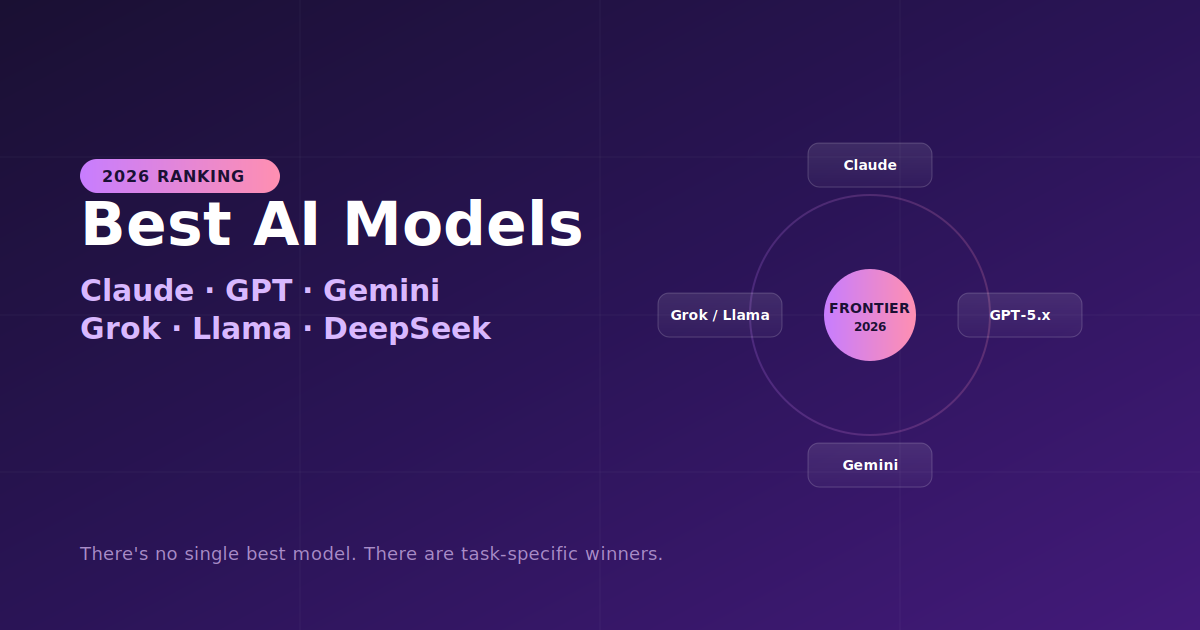
But that progress created a new problem: there's no single best model anymore. The frontier fractured, because use cases differentiated faster than any one model could cover. Photorealism has its own champion. Text rendering has another. Commercial safety has a third. This guide ranks the models that actually win — and tells you exactly which to use for what.
GPT Image 2 (OpenAI) — Best Overall
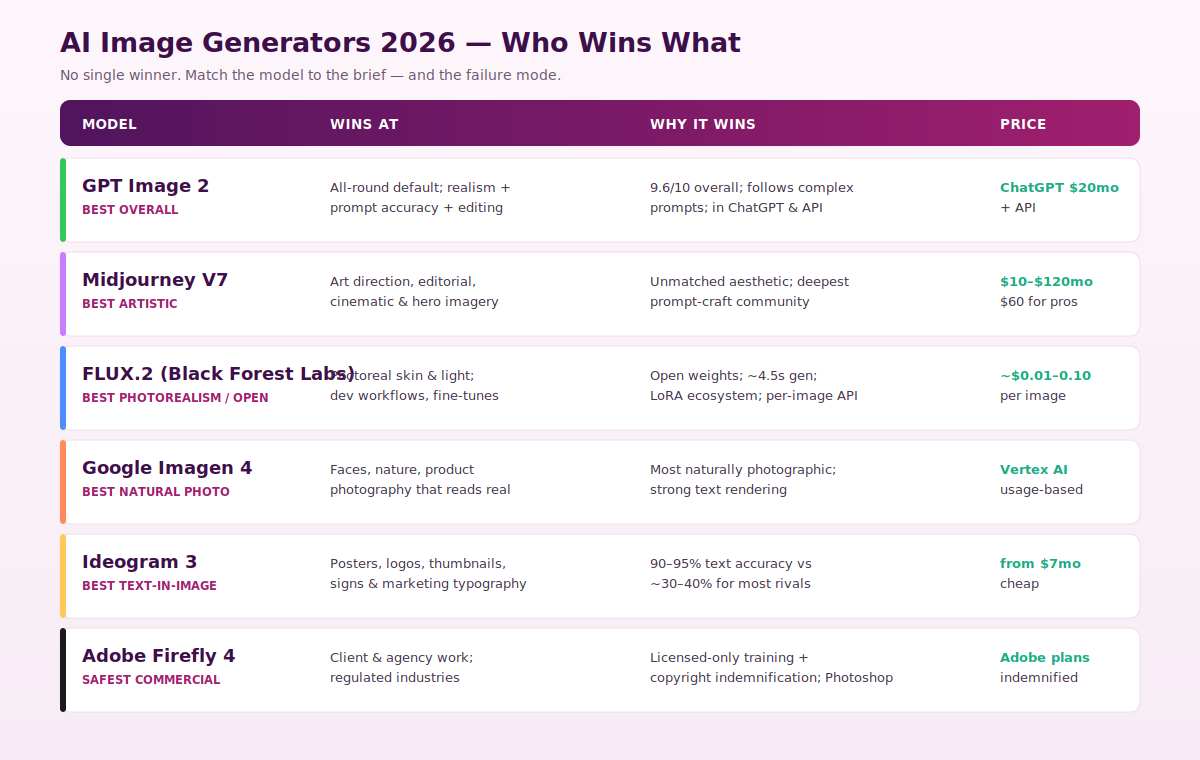
If you want one safe default, this is it. In the most-cited 2026 testing dataset, OpenAI's GPT Image 2 scores 9.6/10 overall and leads on realism (9.8/10) because it balances everything: convincing lighting and surface detail, the most reliable adherence to complex prompts, useful editing, and a low-friction workflow. Many people still search for it as "DALL·E" — it's the successor to the DALL·E line (DALL·E 3 → GPT Image 1.5 → GPT Image 2).
Its signature strength is instruction-following: when a brief has specific elements that must appear in specific arrangements, GPT Image does what you say more reliably than visually-focused rivals. It also handles text in images well, including longer passages in multiple languages, and it's built right into ChatGPT.
- Use it when: You want the strongest all-round model for blog images, product visuals, editorial illustration, and everyday publishing.
- Price: Bundled with ChatGPT Plus ($20/mo), plus pay-per-image API access.
Midjourney V7 — Best for Artistic Quality
Midjourney lost the all-around crown but kept the one that matters most to creatives: aesthetics. For images that look like they came from a high-end magazine, a concept-art portfolio, or a cinematic shoot, nothing else produces a more striking first draft. It's the model to test first for moodboards, hero artwork, character concepts, and editorial portraiture.
Two real advantages compound this. First, its style range and art direction remain unmatched. Second, it has the most developed community knowledge base of any image model — thousands of documented prompt patterns and style recipes that accelerate your learning curve if you don't have a senior art director's instincts. The trade-offs: a dated Discord/web workflow and limited API access on standard tiers, which make it awkward for automated pipelines.
- Use it when: Visual impact and stylization are the primary goal.
- Price: $10/mo (Basic) to $120/mo (Mega); ~$60/mo Pro is the realistic professional minimum.
FLUX.2 (Black Forest Labs) — Best Photorealism & Open-Weight Champion
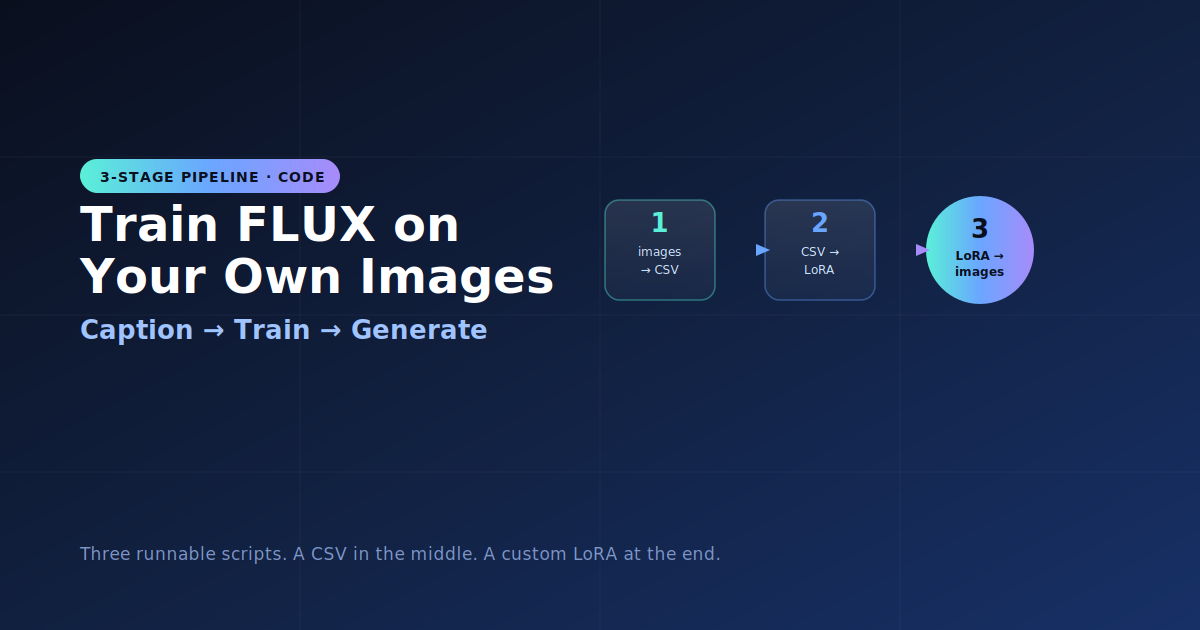
FLUX is the dark horse that beats most closed competitors on photorealism. Skin texture, lighting, and material realism are consistently top-tier, and it generates in around 4.5 seconds. Because the weights are open, the ecosystem of LoRAs and fine-tunes is unmatched — making it the natural pick for developers, hosted tools, and repeatable production workflows.
The economics seal it: roughly $0.01–$0.10 per image via hosted APIs like fal.ai and Replicate, with no subscription, or near-zero cost if you self-host on your own GPU. The FLUX.2 family scales from Flash (rapid drafts) to Max (maximum fidelity), plus Kontext variants built for context-aware editing.
- Use it when: You need photorealism, custom fine-tuned styles, technical control, or the best per-image economics.
- Price: ~$0.01–$0.10/image; free to self-host.
Google Imagen 4 — Best Naturally Photographic Look
Released in April 2026, Imagen 4 specifically targeted the weak spot in human faces and natural scenes, and it produces arguably the most naturally photographic results — images that don't read as AI at first glance. It's particularly strong on faces, nature, and product photography, and it renders text well too. Available via Google Cloud Vertex AI and AI Studio.
- Use it when: You need believable human faces, nature, or commercial product photography.
Ideogram 3 — Best for Text Inside Images
This one solves a narrow but critical problem. When the image itself needs readable, correctly-spelled words — posters, logos, thumbnails, labels, social graphics, infographics — Ideogram is in a class of its own. It hits roughly 90–95% text accuracy, versus the ~30–40% most general models manage. That's the difference between usable marketing material and gibberish, and it starts at about $7/mo.
- Use it when: Typography or any legible text is non-negotiable in the image.
Adobe Firefly 4 — Safest for Commercial Work
Firefly wins a category that's easy to underestimate until a client dispute happens: commercially safe output with provable licensing lineage. It's trained exclusively on licensed Adobe Stock, openly licensed, and public-domain content, and Adobe provides copyright indemnification — if a rights dispute arises, Adobe handles it. With ongoing lawsuits against AI image generators from major studios, that protection is not theoretical for agency and client work. Its Photoshop integration (Generative Fill and Expand) is also where it genuinely shines for professional designers editing real photographs.
- Use it when: Commercial use with minimal legal risk is the priority — regulated industries, client deliverables, ad campaigns.
Quick Decision Guide
- One safe default for everything → GPT Image 2
- Artistic, editorial, cinematic → Midjourney V7
- Photorealism, dev pipelines, low cost → FLUX.2
- Natural faces & product photos → Imagen 4
- Readable text, logos, posters → Ideogram 3
- Legally safe commercial work → Adobe Firefly 4
Three Pro Tips That Save Real Money
These come straight from teams running hundreds of generations a month:
- Match the model to the failure mode. Text scrambled? Switch to Ideogram or a text-strong model. Skin looks plastic? Use FLUX or Imagen. Don't fight a model's weakness — change models.
- Price by attempts, not per image. A pricier model that nails the prompt on the first try beats a cheap one that needs eight retries. The cheapest option often costs more in re-generations.
- Draft cheap, finish expensive. Explore composition on a fast, cheap model (FLUX Flash, a turbo model), then re-run the winning prompt on a premium model. And if a result is 90% right, an AI edit pass beats rolling the dice on a full regenerate.
The Bottom Line
There is no single best AI image generator in 2026 — there are category champions. GPT Image 2 is the strongest default, Midjourney owns artistic stylization, FLUX.2 leads photorealism and open workflows, Imagen 4 produces the most natural photos, Ideogram nails text, and Firefly is the defensible commercial choice. The smartest production setup isn't loyalty to one tool — it's multi-model access plus the judgment to pick the right one per brief. Start with the free tiers, test your actual prompts on two or three, and commit to the workflow that fits — not the flashiest demo reel.
Model names, scores, and pricing reflect reporting from early-to-mid 2026 and change frequently — always verify current capabilities and commercial terms with each provider before client work.